
WhatsApp Business API: what it is, what it's for, and how to start
The WhatsApp Business API is what lets your business reply at scale, automate messages and connect an AI agent to your number. Here's what it is and how to take the first step.
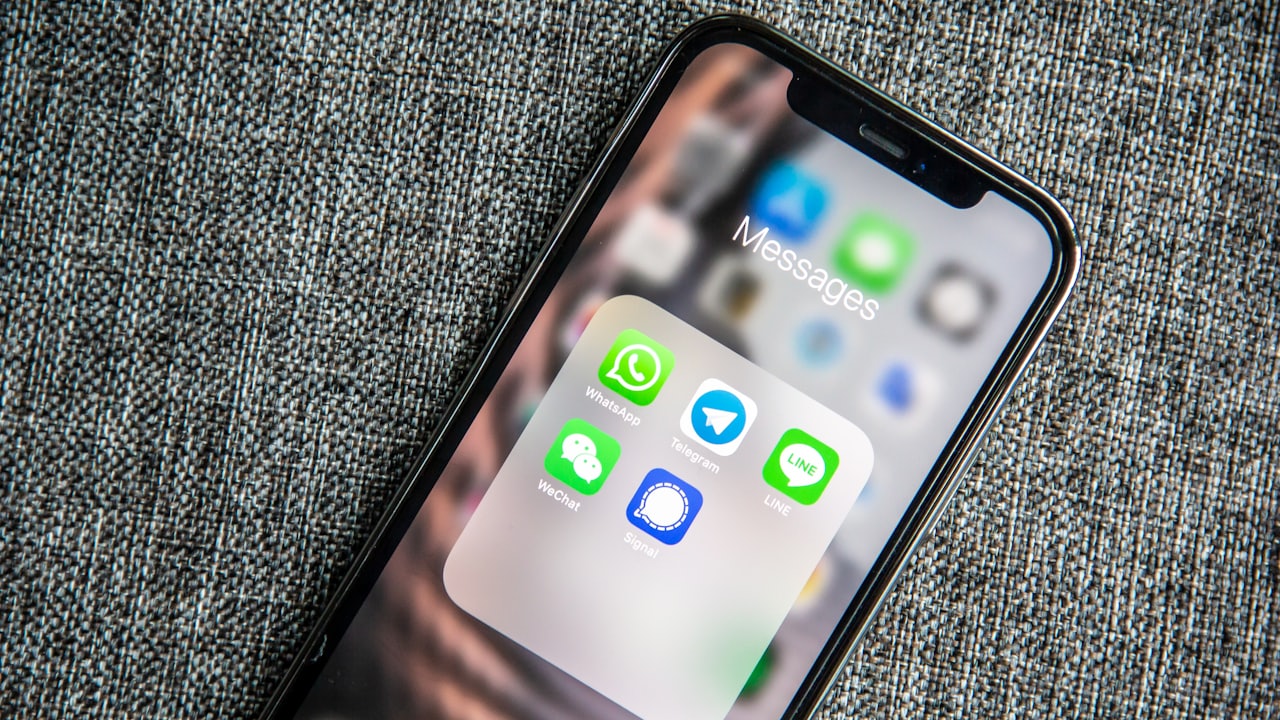
If you searched for “WhatsApp Business API” you probably already have the WhatsApp Business app and outgrew it: you can't reply from several devices, you can't seriously automate, and above all you can't connect artificial intelligence. The API is exactly that next level — and here's what it is, without the jargon.
Regular WhatsApp, WhatsApp Business and the API are not the same
People mix them up. The difference matters because it defines what you can do:
- Regular WhatsApp: personal use, one phone, one person.
- WhatsApp Business (the app): for small businesses. Catalog, quick replies and a company profile, but still tied to one phone.
- WhatsApp Business API: the version for businesses that need scale. It's not an app you download — it's a connection that lets software (a CRM, an AI agent like Lidia) send and receive messages through your number.
What the WhatsApp Business API is for
The API is what makes almost everything you associate with a “professional” WhatsApp possible:
- Reply automatically with an AI agent, 24/7.
- Handle many conversations at once without choking.
- Send appointment reminders and campaigns with Meta-approved templates.
- Log every conversation in your CRM under the right contact.
- Let several people on your team work the same number.
What you need to start
You don't have to be technical. In practice you need a phone number you can dedicate to the business, a WhatsApp Business account verified with Meta, and a platform that connects to the API for you. That platform is what saves you all the heavy lifting.
Where Lidia fits
LidiaLabs connects to the WhatsApp Business API for you and puts an AI agent — Lidia — on top of it, replying, booking and following up in your business's voice. You never touch technical settings: you connect your number and start getting appointments.
The API is the plumbing. Lidia is what runs through it.
Frequently asked questions
- What is the WhatsApp Business API?
- The WhatsApp Business API is the version of WhatsApp for businesses that need scale. It's not an app you download but a connection that lets software —a CRM or an AI agent like Lidia— send and receive messages through your number, reply automatically, handle many conversations at once and log them in your CRM.
- What is the difference between WhatsApp Business and the WhatsApp Business API?
- The WhatsApp Business app is for small businesses: catalog, quick replies and a company profile, but tied to one phone. The API is the connection that lets you seriously automate, connect artificial intelligence, serve customers with several people on one number and send campaigns with Meta-approved templates.
- What is the WhatsApp Business API for?
- It's for replying automatically with an AI agent 24/7, handling many conversations at once, sending appointment reminders and campaigns with Meta-approved templates, logging every conversation in your CRM, and letting several people on your team work the same number.
- What do you need to start with the WhatsApp Business API?
- You don't have to be technical. You need a phone number you can dedicate to the business, a WhatsApp Business account verified with Meta, and a platform that connects to the API for you. LidiaLabs makes that connection and puts the AI agent on top; you just connect your number and start getting appointments.